
 My playlists
M3U & Xtream Codes
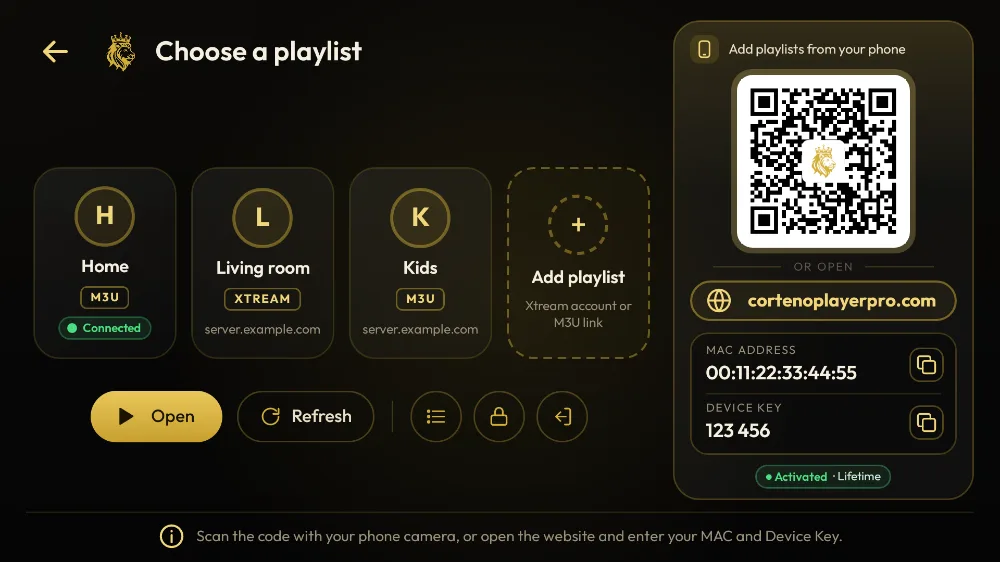
Add a playlist link, upload an M3U file or sign in with Xtream Codes — up to 20 playlists per device.

Media player · bring your own playlist
Scan one QR code, paste your M3U link or Xtream login on your phone, and it opens on your TV. Android, Android TV, Fire TV and Windows.
No account to create · A media player only, no channels or content included
 Android
 TV
 Fire TV
 Windows
Scan the code, add your playlist from your phone and press play — plus the free trial and the price, in one short film. English voice, subtitles in English, French and Arabic.
Designed for the big screen and the remote control, just as comfortable on a phone or a PC.
Add a playlist link, upload an M3U file or sign in with Xtream Codes — up to 20 playlists per device.
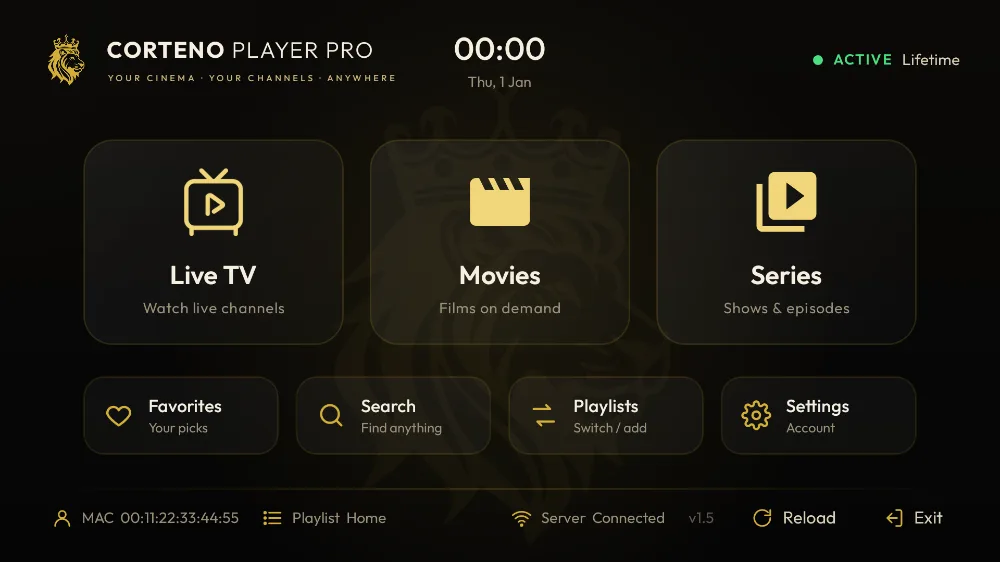
Clean categories, posters, seasons and episodes, with a TV guide when your provider offers one.
A modern player with subtitle and audio-track selection, resume and fast channel zapping.
Find anything in seconds and keep your favorite channels and titles one click away.
Add, rename or remove playlists from this website — the app picks up the changes instantly.
Hide a playlist’s link and lock edits behind a PIN so nobody can change it.
Free to download. Your 7-day trial starts automatically the first time you open the app.
7-day free trial · no account to create
Fire TV Stick, Android TV, Google TV and TV boxes
Android 5.0 or newer
On a phone: open the downloaded file and allow installs from your browser when Android asks.
Windows 10 and 11 (64-bit)
Installs in one click and updates itself. No SmartScreen warning.
Or download the installer (.exe)Your device is next. We are bringing Corteno Player Pro to more TVs, phones and computers.
 webOS TV
Download it for your device. The free trial starts on first launch.
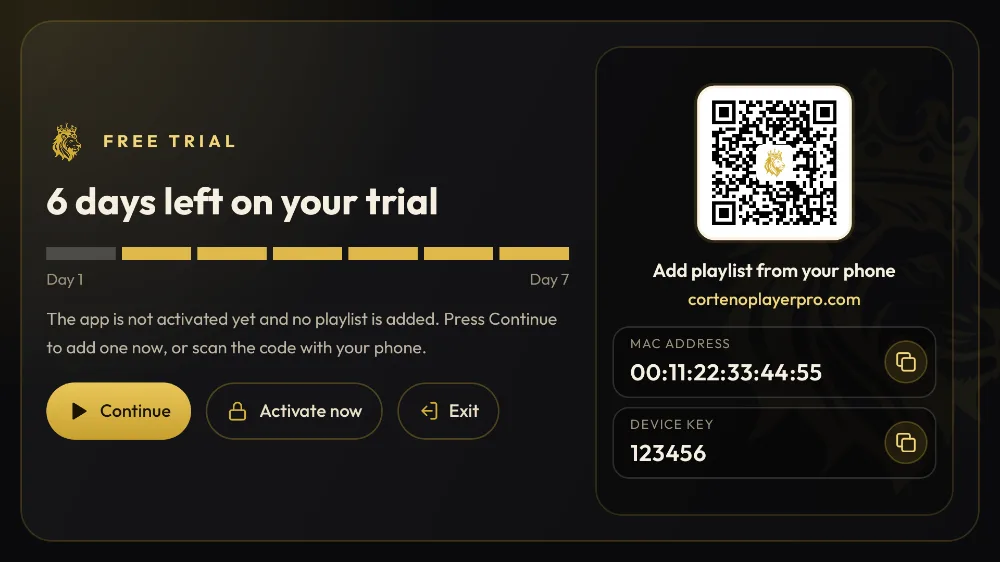
The playlist screen of the app shows your MAC address and your Device Key.
Add it in the app or on “My playlists”, then activate before the trial ends.
One activation per device. No subscription, no hidden fees.
No. It is a media player only. No channels, playlists or content are included or sold. You add your own playlist from your provider.
7 days from the first launch of the app on your device, with every feature unlocked. Reinstalling the app does not restart the trial.
Open the app and go to the playlist screen: your MAC address and 6-digit Device Key are shown there. You need both to manage your playlists on this website.
Go to the Activation page, enter your MAC address, choose a plan and pay by card — or contact your reseller. Then press Reload in the app: no reinstall needed.
No, an activation is linked to one device (one MAC address). If you change device, your reseller can transfer the activation to the new MAC.
Get a professional panel to activate and manage your customers’ devices, with credits, sub-resellers and an API.
Corteno Player Pro is a media player: it comes with no channels, films or playlists of its own. Use it only for content you have the right to watch, for example:
You agree not to use Corteno Player Pro to watch or share copyrighted content without permission. You alone are responsible for what you play with it.
 Downloader